Modular Inventory
A modular, data-driven inventory system for Godot 4.6.
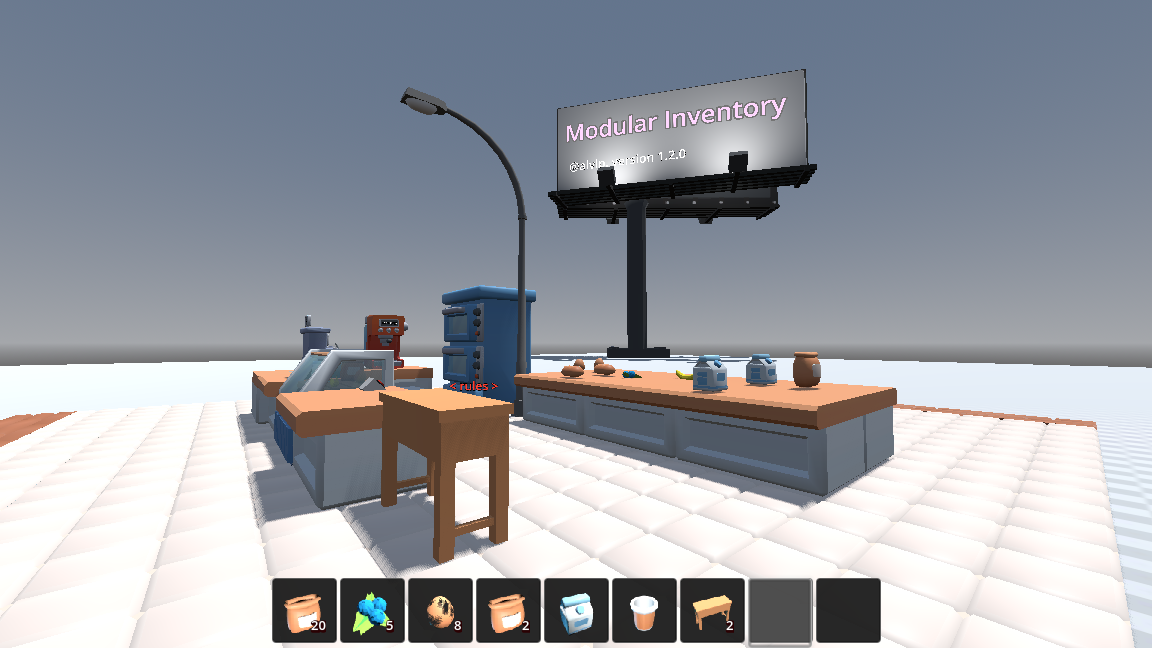
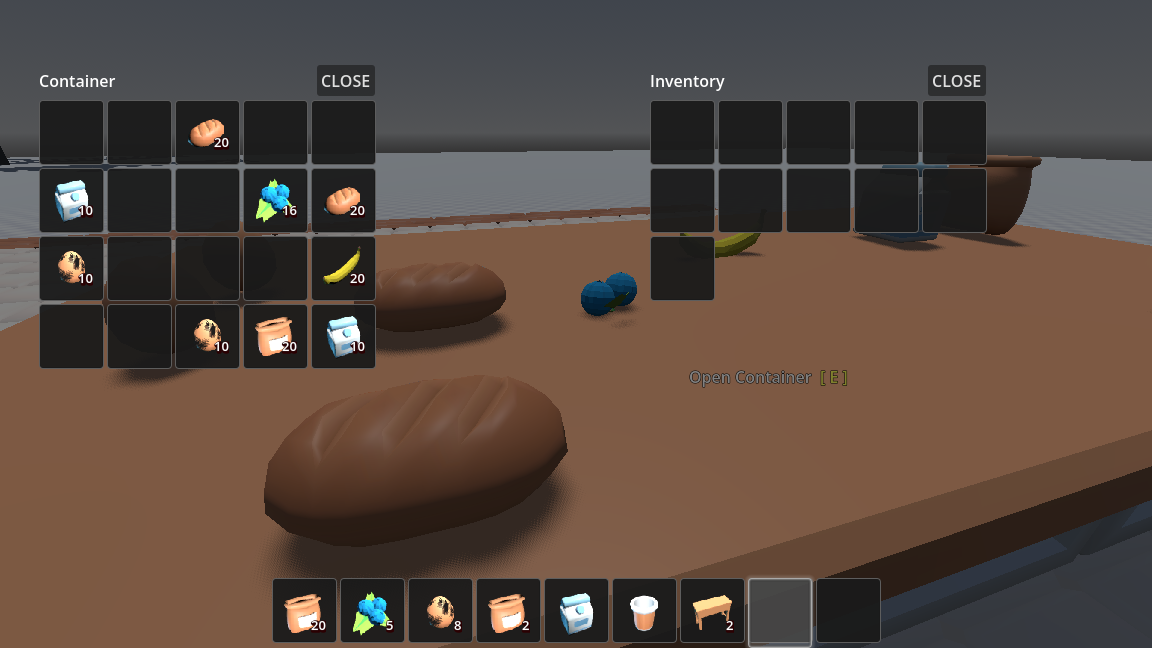
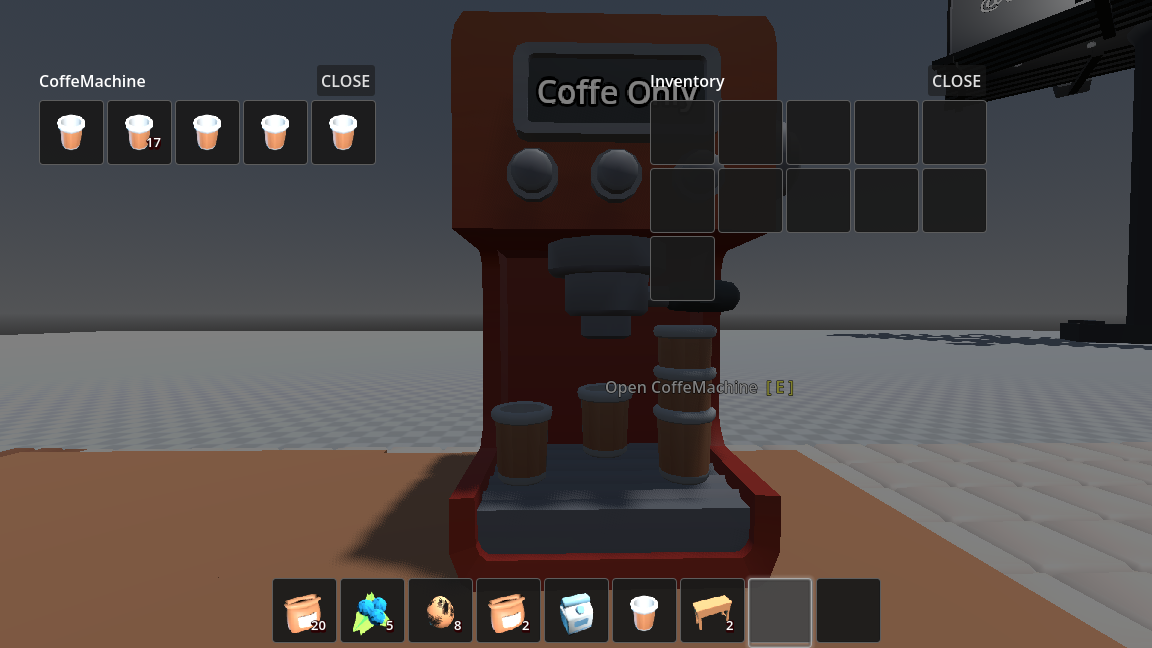
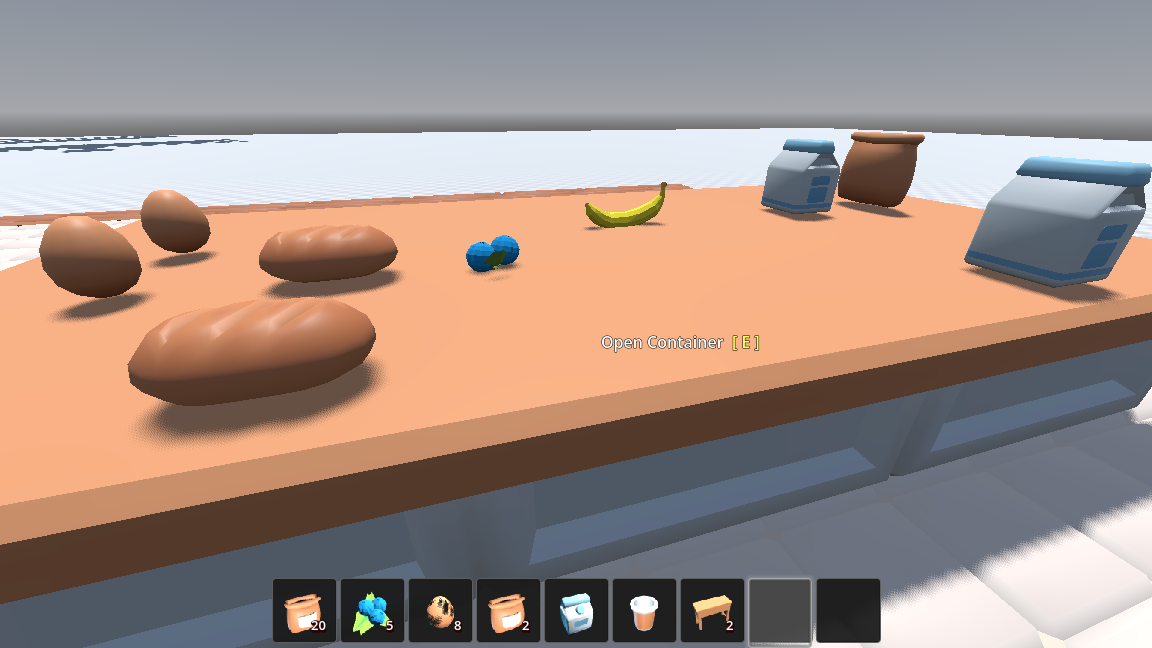
Version 2.0.0
This documentation covers the latest major release, featuring automated item logic, a new UI State Manager, and dynamic slot stacking limits. See the migration guide for upgrading from v1.x.
Key Features
- Drag & Drop – Fully featured mouse interactions for moving items
-
- Left-click to drag full stacks, right-click to drag exactly 1 item
- Scroll-wheel to dynamically adjust the drag amount on the fly
- Shift-click to instantly Quick-Move items between open inventories
- Drop items directly out of the UI into the 3D world
- Data-Driven Core – Everything is a native Godot Resource
-
- Items, slots, and rules are fully extensible via custom metadata and tags
- No hardcoded item types; define everything visually in the Inspector
- Slot Rules & Restrictions – Control exactly what goes where
-
- Lock slots to specific equipment types or item tags
- Dynamic stacking limits (e.g., force a slot to only accept 1 item regardless of max stack size)
- Visual feedback (green/red highlights) for valid and invalid drop targets
- Item Logic & Equipment Manager – Automate item behaviors
-
- Attach custom scriptable behaviors (weapons, tools, consumables) directly to items
- The
EquipmentManagerautomatically handles input detection, logic execution, and 3D model equipping/unequipping - Built-in support for item durability and automatic breaking
- UI Components & Layouts – Ready-to-use interfaces
-
- Pre-built Grid Panels and Hotbars with mouse-wheel navigation
UIStateManagerautomatically handles panel stacking, background dimming, and mouse captureUICoordinatorautomatically arranges player and container inventories side-by-side- Auto-generated BBCode tooltips showing stack counts, durability, and tags
- Advanced UI Building – Easily create custom layouts
-
InventoryBinderandSlotGridnodes for quickly building custom UIs (like character paperdolls)- Fully decoupled architecture: UI updates automatically via signals without manual polling
- 3D World Integration – Seamless transition from UI to 3D
-
- Dropped items instantly become
RigidBody3Dphysics objects with realistic tumbling InventoryDisplayComponentto visually show inventory contents on characters or in the world using 3D markers
- Dropped items instantly become
Quick Links
-
Getting Started
Install the plugin and set up your first inventory in minutes.
-
Quick Start
Create an item, add it to a player, and display it on the screen.
-
Core Concepts
Understand the architecture of Inventories, Items, and Slot Rules.
-
API Reference
Complete documentation of all classes, methods, and signals.